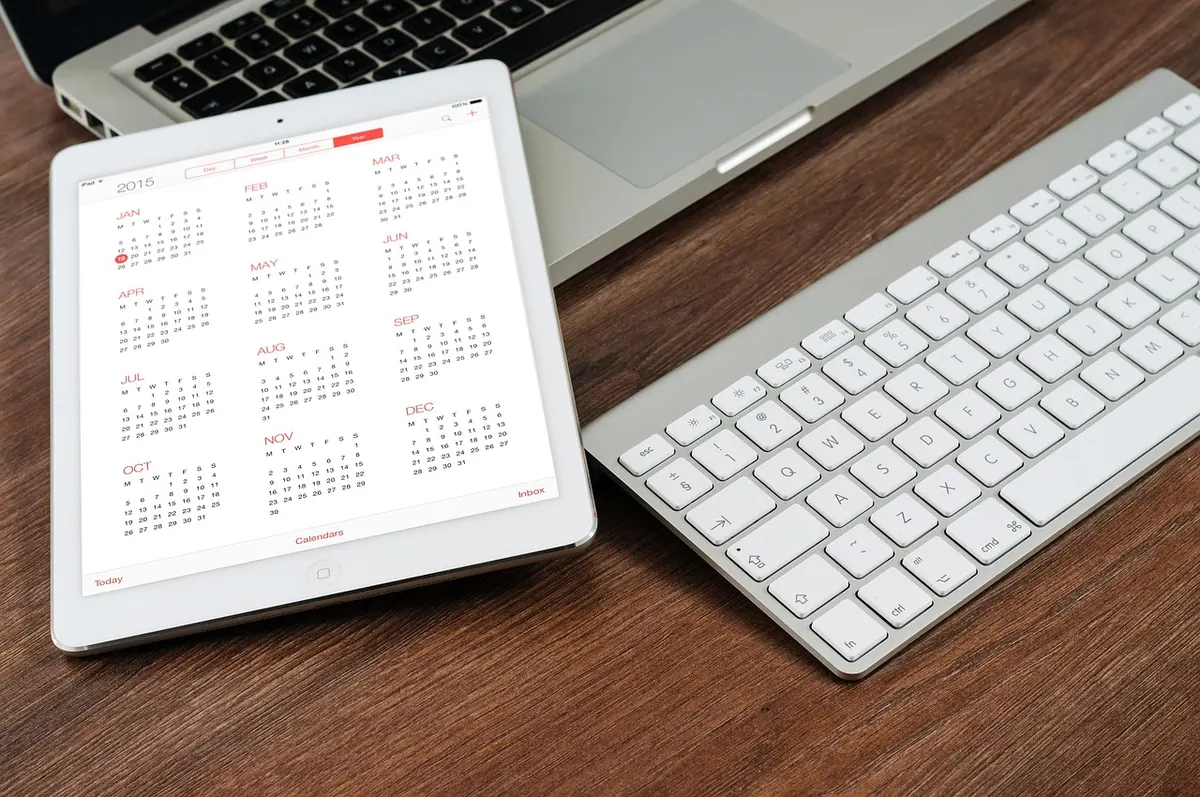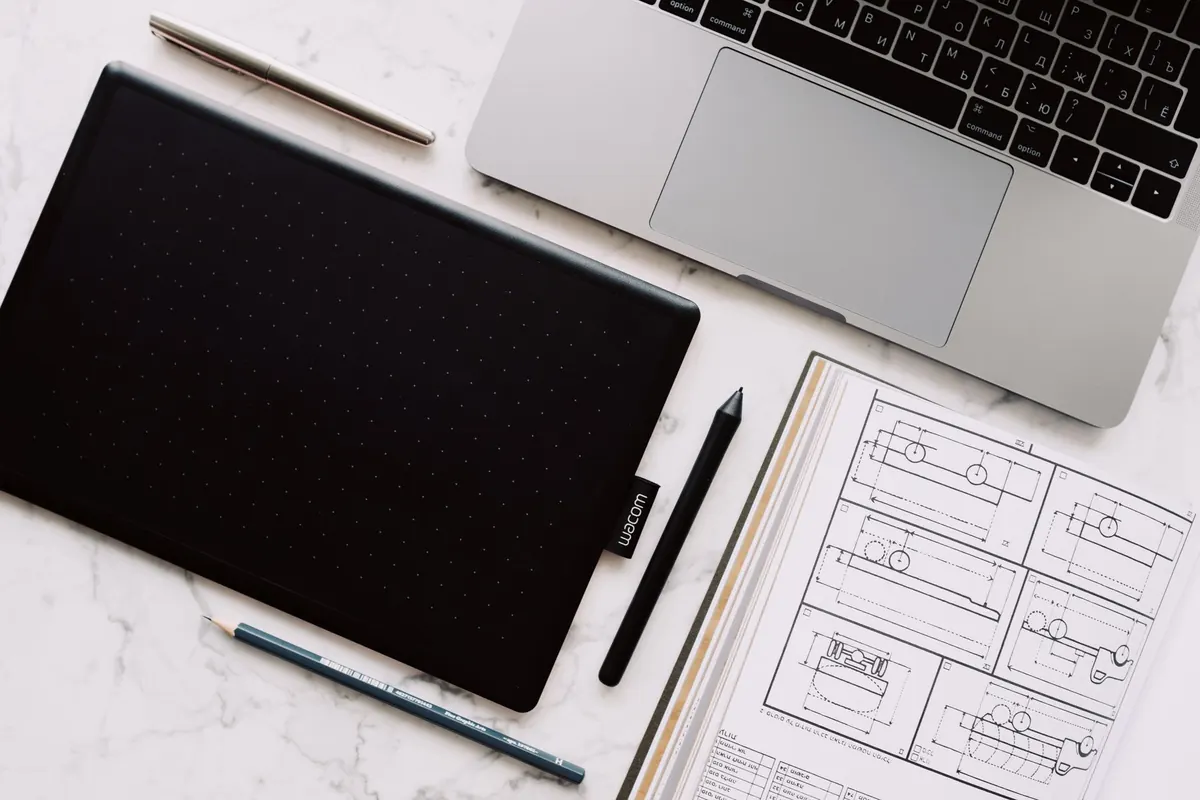
Paper Notes vs. Tablet Notes: A Practical Comparison for Students
The lecture starts in ninety seconds. One student pulls a battered A5 notebook from a bag and clicks a pen. The other taps a tablet awake, opens a note app, closes a notification, and scrolls to the right page. Both take decent notes that morning. Six months later, one of them will find a specific sentence in seconds while the other flips through pages for twenty minutes — and neither can predict which one it will be.
That is the honest shape of the paper-versus-tablet question. It is not a debate about analog purity. It is a set of small trade-offs: cost, searching, handwriting comfort, distraction, and what happens to your notes in exam season. Here is how they actually play out.
Cost: The Up-Front Bill and the Quiet Recurring One
A tablet is a single large purchase with a tail. You need the device, a stylus that works with it, usually a case, often a matte screen protector, and sometimes an app subscription for the features you actually want. None of that is hidden, but it lands before you have taken a single note.
Paper is the opposite: a few euros per notebook, spread across the term. Over a degree, a careful paper habit usually comes out cheaper than buying a tablet and replacing it once — though a tablet can also carry your PDFs, which may mean fewer printed course readers. Do the arithmetic for your own situation. Prices differ by country and change every year, so treat any number you read online, including here, as a starting point rather than a fact. If buying a device would mean a payment plan, talk the budget through with someone you trust first.
Costs worth listing before you decide:
- Stylus nibs, which wear faster with a paper-like screen protector.
- App subscriptions that renew quietly for features you stop using.
- Replacing a lost or cracked device, far pricier than replacing a notebook.
- Printing, if you end up printing your digital notes before exams anyway.
Searchability: Finding That One Sentence in March
Digital notes win this one clearly, with a caveat. Handwriting recognition in modern note apps is good enough that you can search a scrawled word from October and land on the right page, and annotated PDFs are searchable too. The caveat is filing. Search only helps if you know roughly where the note lives, and a folder system that made sense in week two tends to rot by week nine.
Paper can be searched as well, just more slowly and with more discipline. Number your pages as you write them and reserve the first two pages of each notebook for a hand-written index: "Week 4 — elasticity, p. 21". Add sticky tabs to the five or six pages you will genuinely return to, and colour-code them by purpose rather than by mood. Four minutes of setup saves an hour in revision season.
One detail: search fails on bad handwriting in both formats, but on a tablet the app has to guess. If your lecture scrawl is rushed, recognition will be patchy, so do not buy a device expecting to search your own notes flawlessly.
Handwriting: Speed, Legibility, and the Surface Problem
Most students write faster and more legibly on paper at first. Glass is slippery, and a stylus on a bare screen slides in a way that turns small letters to mush. A matte protector and a firmer nib fix most of it. Give yourself a few weeks before judging your tablet handwriting.
There is a persistent claim that handwriting helps memory more than typing, and for many people there is something to it — the slowness forces you to compress and choose. But note this carefully: writing with a stylus is still handwriting. What changes is the surface, the tool's weight, and everything else the device can do while you are meant to be listening. If distraction is your real problem, do not solve it by buying paper and leaving the tablet at home in the same bag.
Distraction: The Tablet's Real Weakness
Paper cannot notify you. That is a genuine feature and the strongest argument in its favour. A notebook has no tabs, no messages, no sudden urge to check whether the seminar room changed. A tablet has all of it one swipe away, and the cost is not the minute you spend checking — it is the four minutes it takes to re-enter the lecture.
- Put the device in airplane mode before the lecture starts, not mid-sentence when a banner appears.
- Use a focus mode that allows only your note app and a calculator.
- Remove social apps from the tablet entirely; keep them on the phone in your bag.
- Turn on single-app or guided-access mode, so leaving the note app takes a deliberate action.
- Sit near the front, where the screen is visible to you and a little to everyone else.
If you know you will not do any of that, paper is the more honest choice. Buy the cheap notebook and stop negotiating with yourself.
Long-Term Review: What Happens in Exam Season
Notes are judged in June, not in October.
Paper has an advantage that is hard to copy: spatial memory. You remember the diagram was on the left page, halfway down, beside a scribbled correction — and your hand finds it before your eyes do. A stack of notebooks on a desk is also a physical reminder that revision exists, which is more useful than it sounds.
Digital notes are easier to reorganise, search and carry. The risk is accumulation without review: a semester sits in a cloud folder, backed up and never opened. Set one recurring habit — fifteen minutes at the end of each week to tidy headings and move anything important onto a running summary page. Do the same in a paper notebook: keep one page at the back for "things I keep getting wrong".
Back up in both cases. Scan the paper notebook with your phone every few weeks, and check that your tablet app syncs to something you can open from a borrowed laptop. Losing a semester to a cracked screen or a stolen bag is avoidable.
A Hybrid Setup That Doesn't Get Messy
Most students who try both end up mixing them, and the arrangement that survives is split by task rather than by mood. A workable version: tablet for anything that arrives as a PDF — course readers, past papers, slide handouts — because annotating on top of the original beats copying it out. Paper for lectures where speed matters and the material is diagram-heavy. One notebook per subject, one folder per subject, and a rule that nothing lives in two places.
Pick that split in week one of a term, not in week eight when both systems are half-used. If a subject's notes are scattered across a notebook, a tablet folder and three photographed pages, the system has failed regardless of which tool you prefer.
Decide With a One-Week Test
Choose one course. Take notes on paper for a week, then on a tablet for a week. At the end of each week, answer a question from the first lecture using only those notes, and time yourself. Notice which format you actually opened when you were tired, and which one you were willing to review.
That test costs nothing if you already own the hardware, and it tells you more than any general recommendation. Two last things. If money is tight, paper is a perfectly good answer. And if you do buy a tablet for notes, budget for the accessories at the same time — the stylus is not optional, and a bare screen will make you resent the whole idea within a fortnight.
Photo: ready made / Pexels

How to Take Notes in a Library Without Distracting Others
A practical checklist for taking notes in shared library space — quieter gear, calmer movement, and habits...

How to Take Meeting Notes That People Actually Use
Meeting notes should capture decisions, owners, and next steps so anyone can act on them later. A...
About Us